




























Description
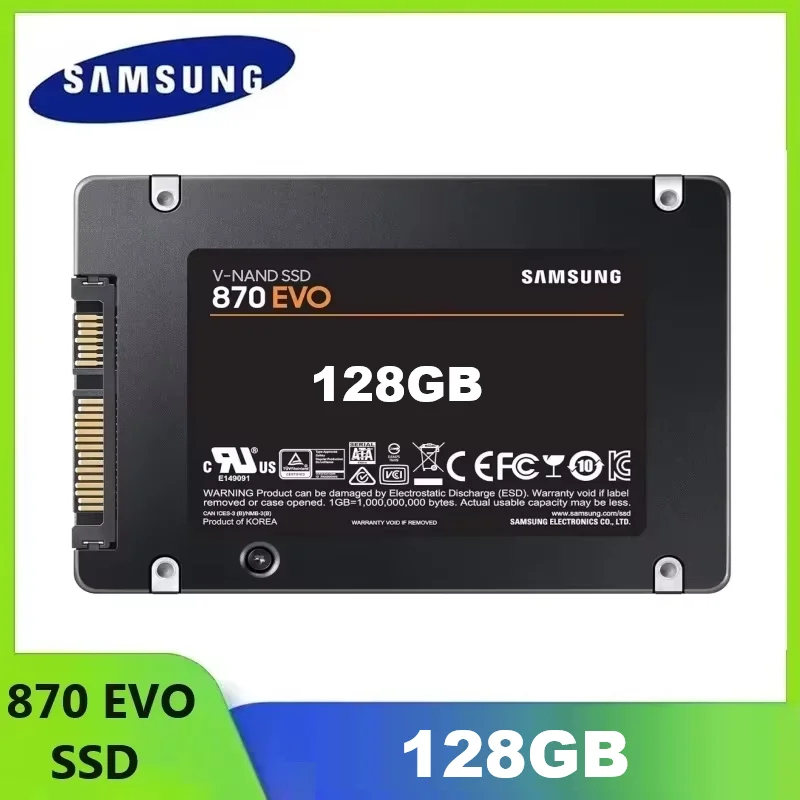
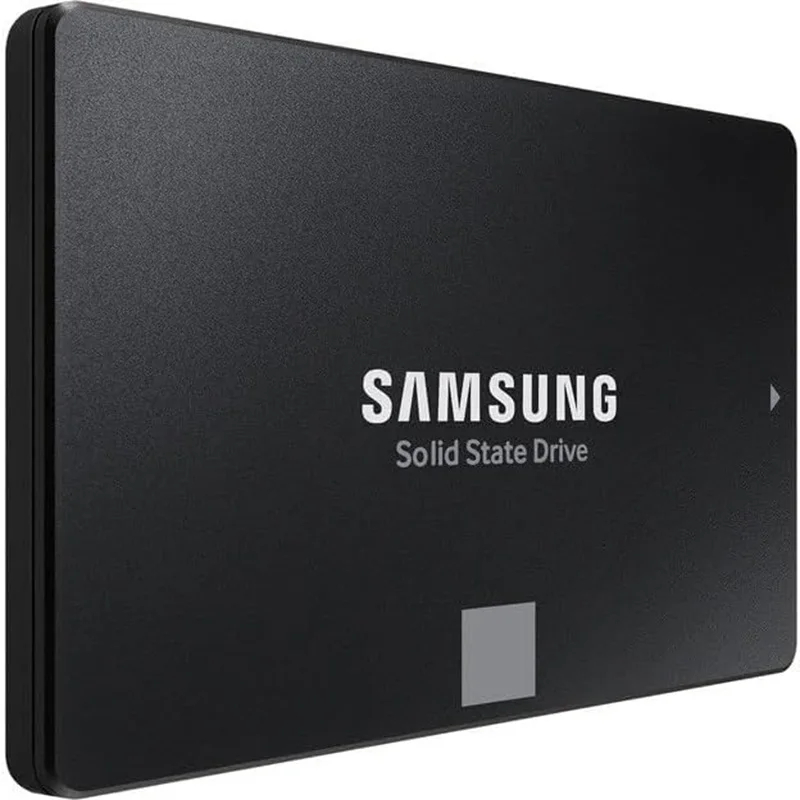
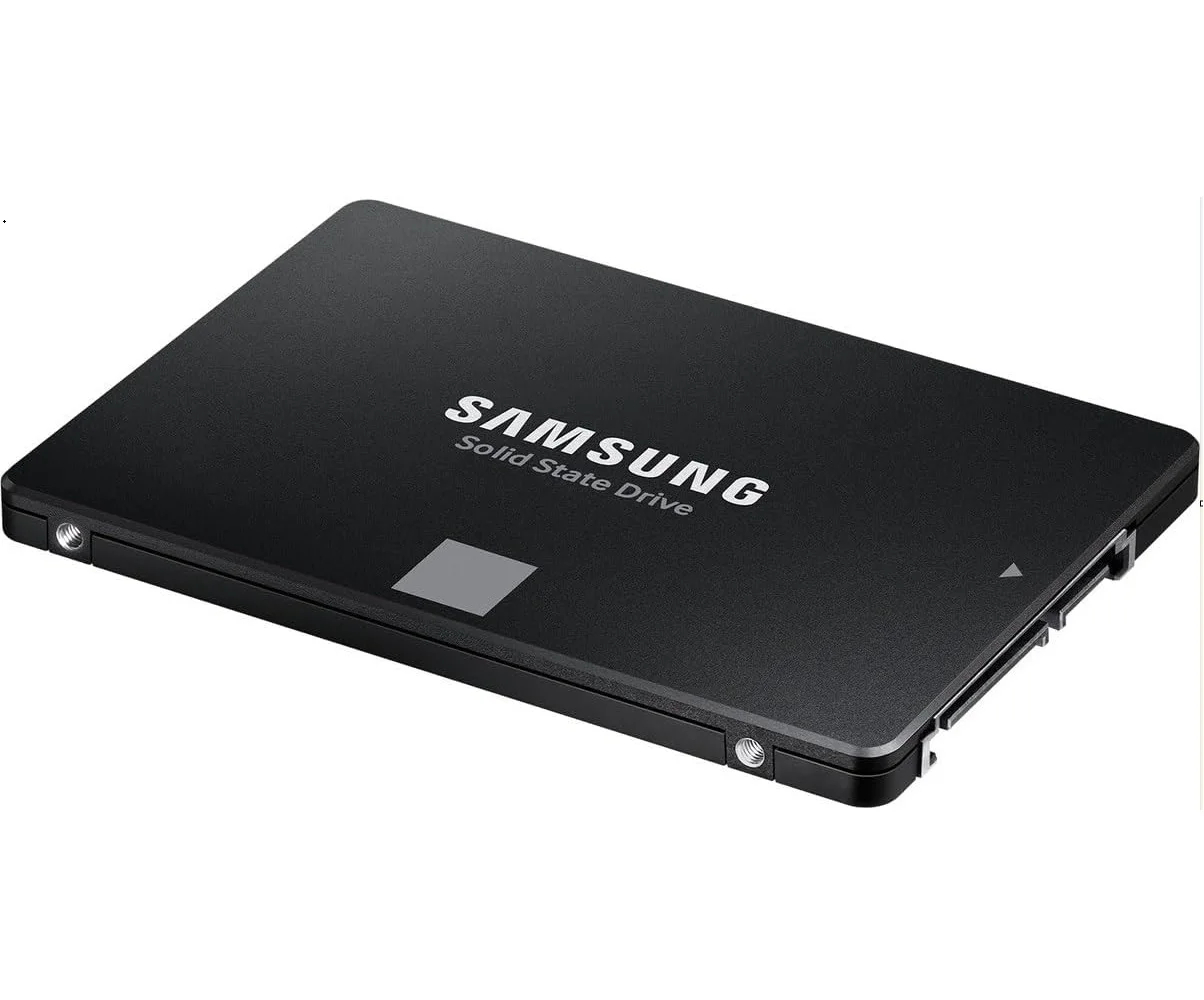
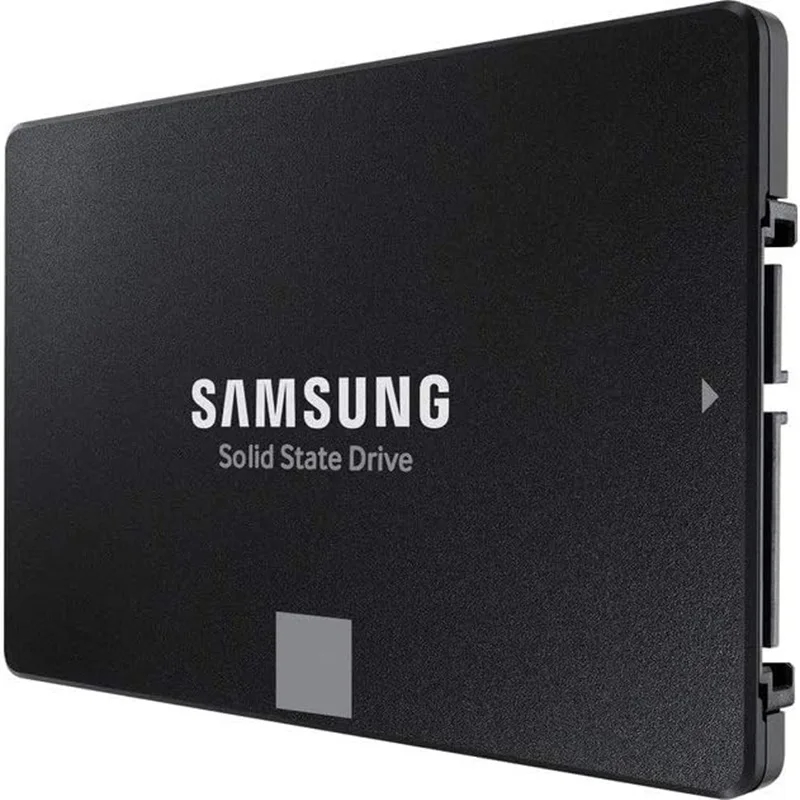
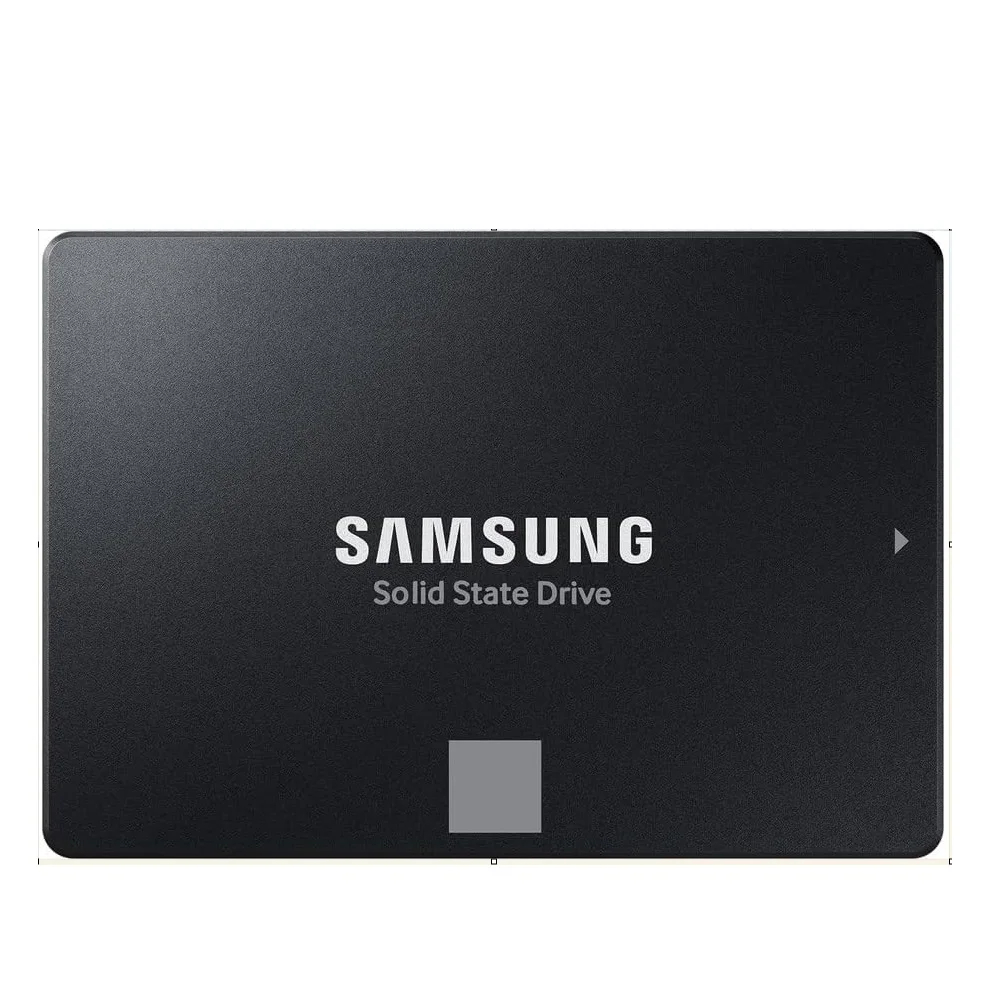
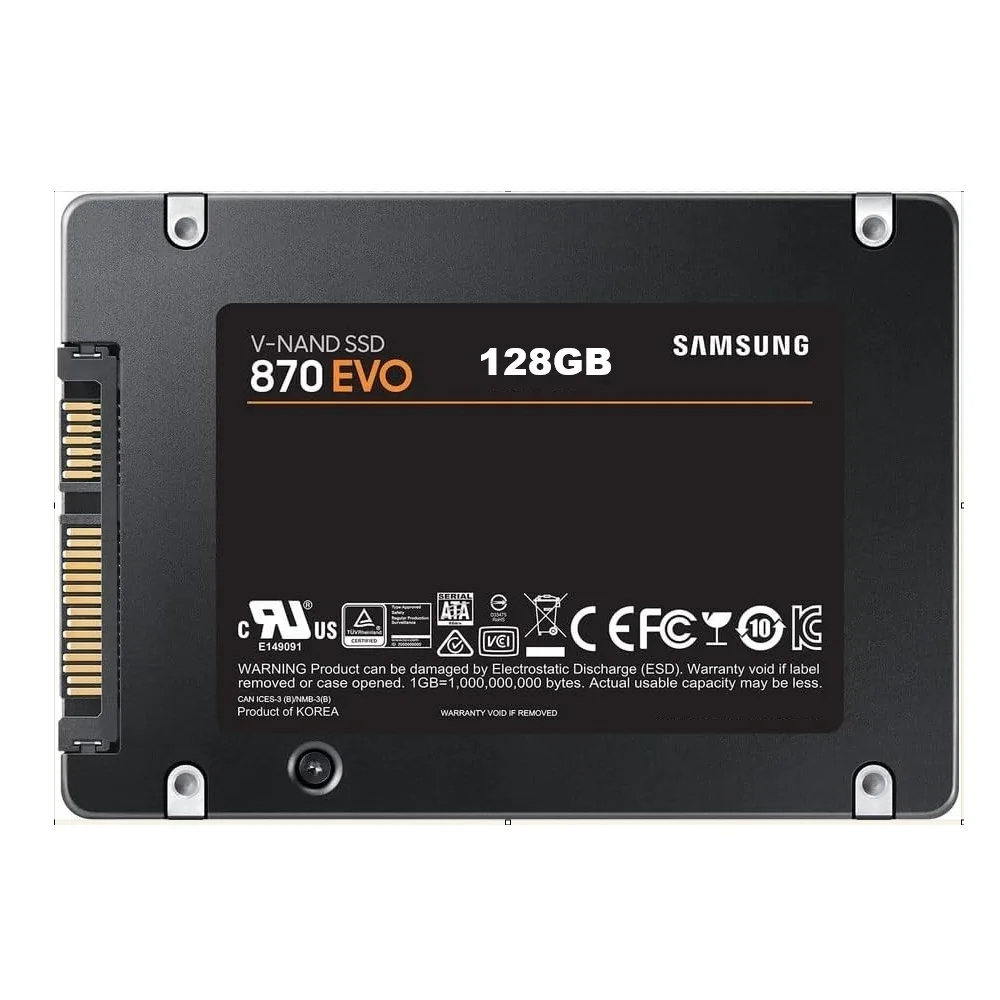
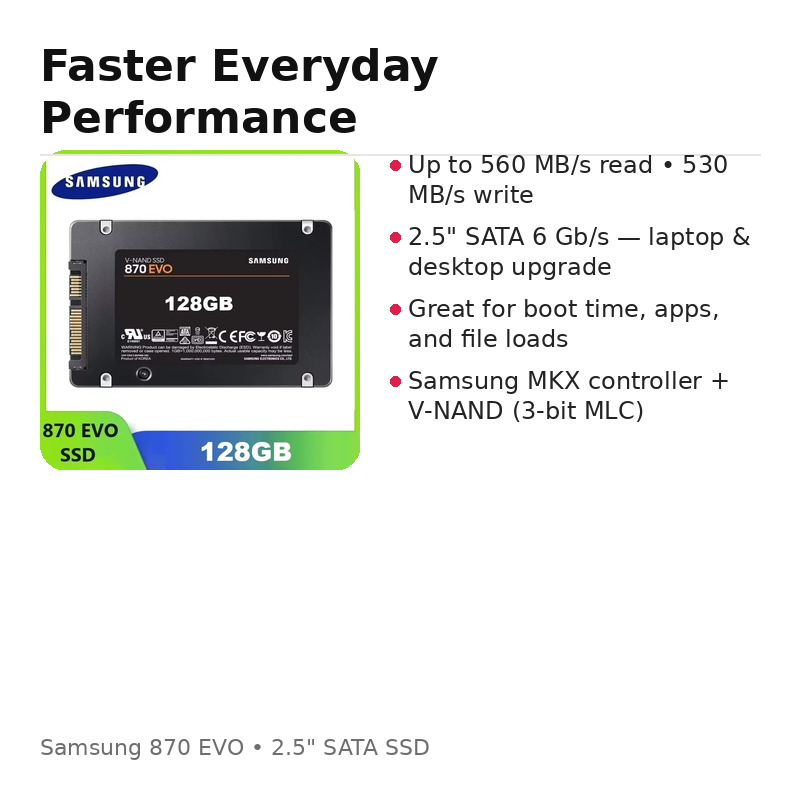
Samsung 870 EVO SSD is a reliable 2.5-inch SATA internal solid state drive designed to upgrade
laptops and desktops for faster boot times, quicker app loading, and smoother everyday performance.
If you are upgrading from an HDD, the difference is usually immediate: Windows starts faster, files open quicker,
and the whole system feels more responsive.
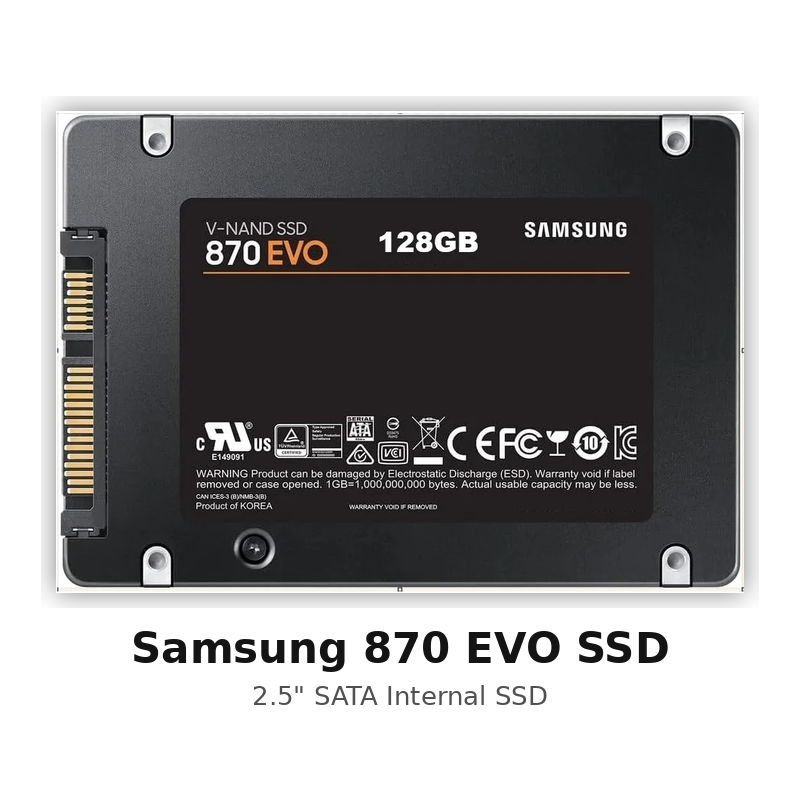
Samsung 870 EVO SSD — Quick Highlights
- Form factor: 2.5-inch (7mm)
- Interface: SATA 6 Gb/s (backward compatible)
- Sequential read: up to 560 MB/s
- Sequential write: up to 530 MB/s
- Controller: Samsung MKX
- NAND: Samsung V-NAND 3-bit MLC
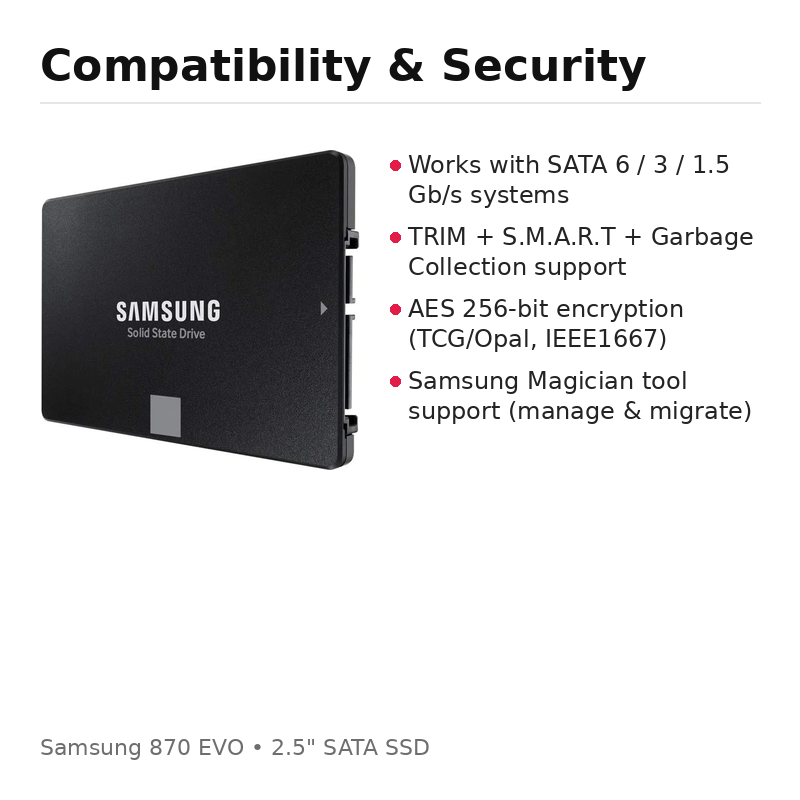
- Security: AES 256-bit encryption (TCG/Opal, IEEE1667 support)
Affiliate disclosure: This page may contain affiliate links. If you buy through them, we may earn a small commission at no extra cost to you.
Samsung 870 EVO SSD specs (quick table)
| Application | PC / Laptop client |
| Form factor | 2.5-inch |
| Interface | SATA 6 Gb/s (compatible SATA 3/1.5 Gb/s) |
| Dimensions | 100 × 69.85 × 6.8 mm |
| Weight | ~48 g |
| Sequential read/write | Up to 560 / 530 MB/s (system-dependent) |
| Random (QD32) | Up to 98,000 / 88,000 IOPS (system-dependent) |
| Reliability | 1.5 million hours MTBF |
Why upgrade to Samsung 870 EVO SSD?
If your PC feels slow, an SSD upgrade is one of the best improvements you can do. A SATA SSD like the
Samsung 870 EVO SSD helps reduce loading times, improves responsiveness, and makes multitasking smoother.
It’s ideal for everyday users, students, office work, and creators who want a stable drive for projects and files.
Real-world benefits (what you feel after upgrade)
If your computer still runs on a traditional hard drive, upgrading to a Samsung 870 EVO SSD is one of the fastest ways to make the system feel “new” again. In most cases, you will notice faster boot time, faster login, and much shorter loading screens in everyday apps.
- Faster startup: Windows and programs load quicker compared to HDD.
- Smoother multitasking: switching between browser tabs, Office apps, and files feels more responsive.
- Quicker file access: opening folders and copying smaller files becomes faster and more stable.
- Better everyday experience: less “freezing” or long waiting when the disk is busy.
Is SATA SSD enough, or do you need NVMe?
Many people compare SATA and NVMe. NVMe can be faster on paper, but for a lot of laptop and desktop upgrades, a SATA drive like the Samsung 870 EVO SSD already delivers a huge improvement, especially if you are coming from an HDD. If your device only supports SATA 2.5-inch storage (very common), this upgrade is the correct and simplest choice.
- Choose this SATA SSD if your laptop/PC has a 2.5” SATA bay or you want an easy upgrade.
- Choose NVMe only if your device supports M.2 NVMe and you specifically need maximum speed for heavy workloads.
How to upgrade (simple steps)
Upgrading is usually straightforward. First, confirm you have a SATA 2.5-inch slot available. Then install the SSD, and either clone your existing drive or reinstall Windows. For best results, use Samsung’s tools when available and keep your system updated.
- Check compatibility: confirm you have a 2.5” SATA bay (7mm).
- Backup your data (important).
- Install the SSD inside the laptop/desktop.
- Clone or reinstall: use Samsung Data Migration or a clean Windows install.
- Enable TRIM and leave some free space for long-term performance.
Who is the Samsung 870 EVO SSD best for?
This SSD is a strong pick for everyday laptop and desktop upgrades where reliability matters. It fits office users, students, and home setups that need stable performance without complexity.
- Laptop upgrade: faster boot and better responsiveness.
- Desktop upgrade: fast system drive for Windows + apps.
- Creators: smoother browsing and project loading for light-to-medium workloads.
- Everyday PC use: a simple, proven SATA SSD replacement for HDD.
FAQ
Q: Will it work in my laptop?
A: If your laptop supports a 2.5-inch SATA drive (most older and many budget laptops do), it should work.
Q: Do I need extra cables?
A: Laptops usually don’t. Desktops may need a SATA data cable and SATA power connector from the PSU.
Q: Why keep free space?
A: SSDs perform better long-term with free space for background maintenance and write optimization.
Compatibility notes (important)
- Works with: most laptops/desktops that support a 2.5” SATA drive.
- Check space: make sure your device supports 7mm 2.5” drives (most do).
- Best practice: enable TRIM and keep some free space for best long-term performance.
Security & durability features
The Samsung 870 EVO SSD includes modern reliability features such as S.M.A.R.T monitoring,
garbage collection support, and encryption support (AES 256-bit / TCG Opal / IEEE1667) depending on your OS configuration.
Helpful links (internal + external)
Browse more computer accessories:
Computers, Laptops & Accessories
External (trusted): learn more about Samsung SSD tools and support:
Samsung SSD tools (Magician & support)


Reviews
There are no reviews yet.