













Description
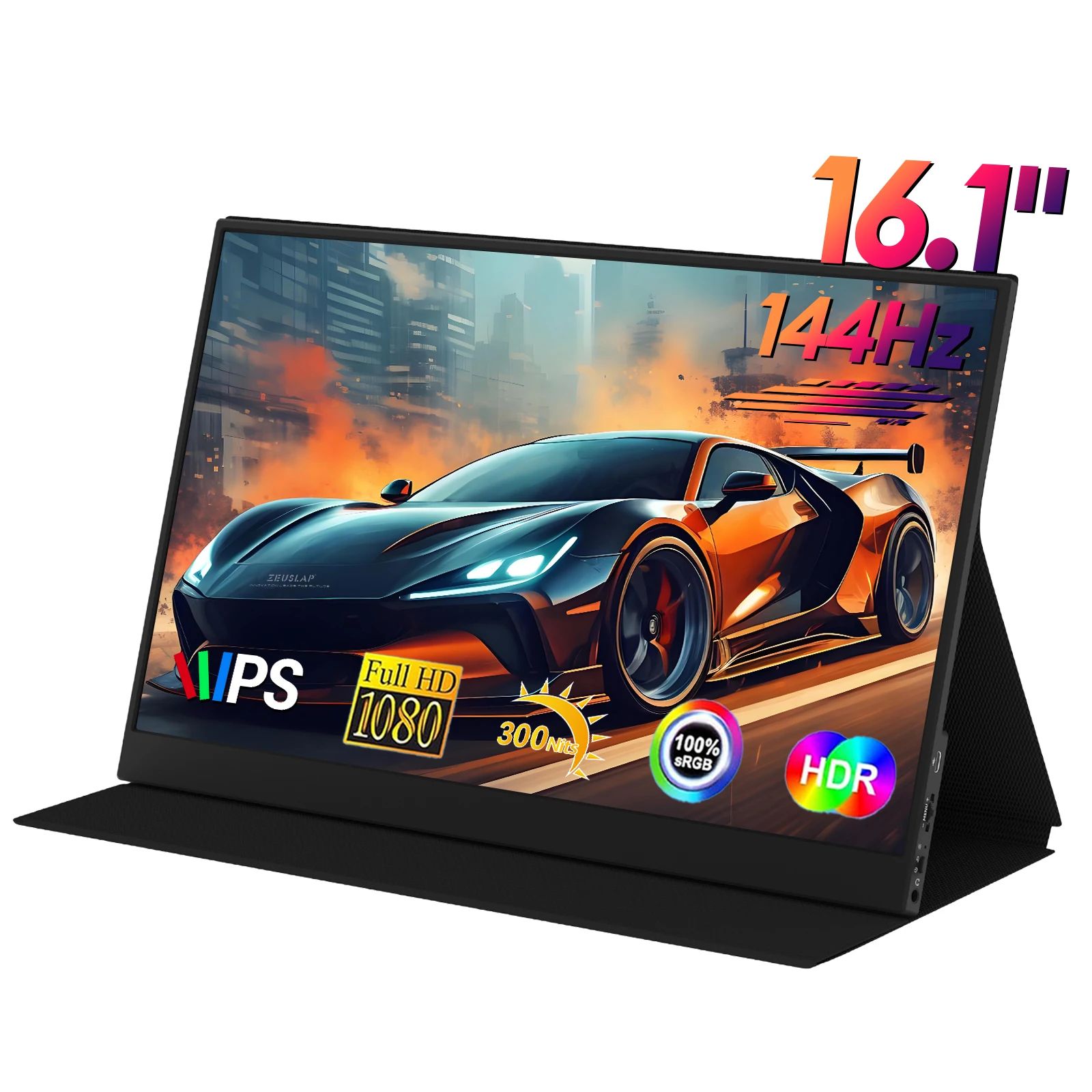
ZEUSLAP P16A Portable Monitor (16.1″, 144Hz, Full HD)
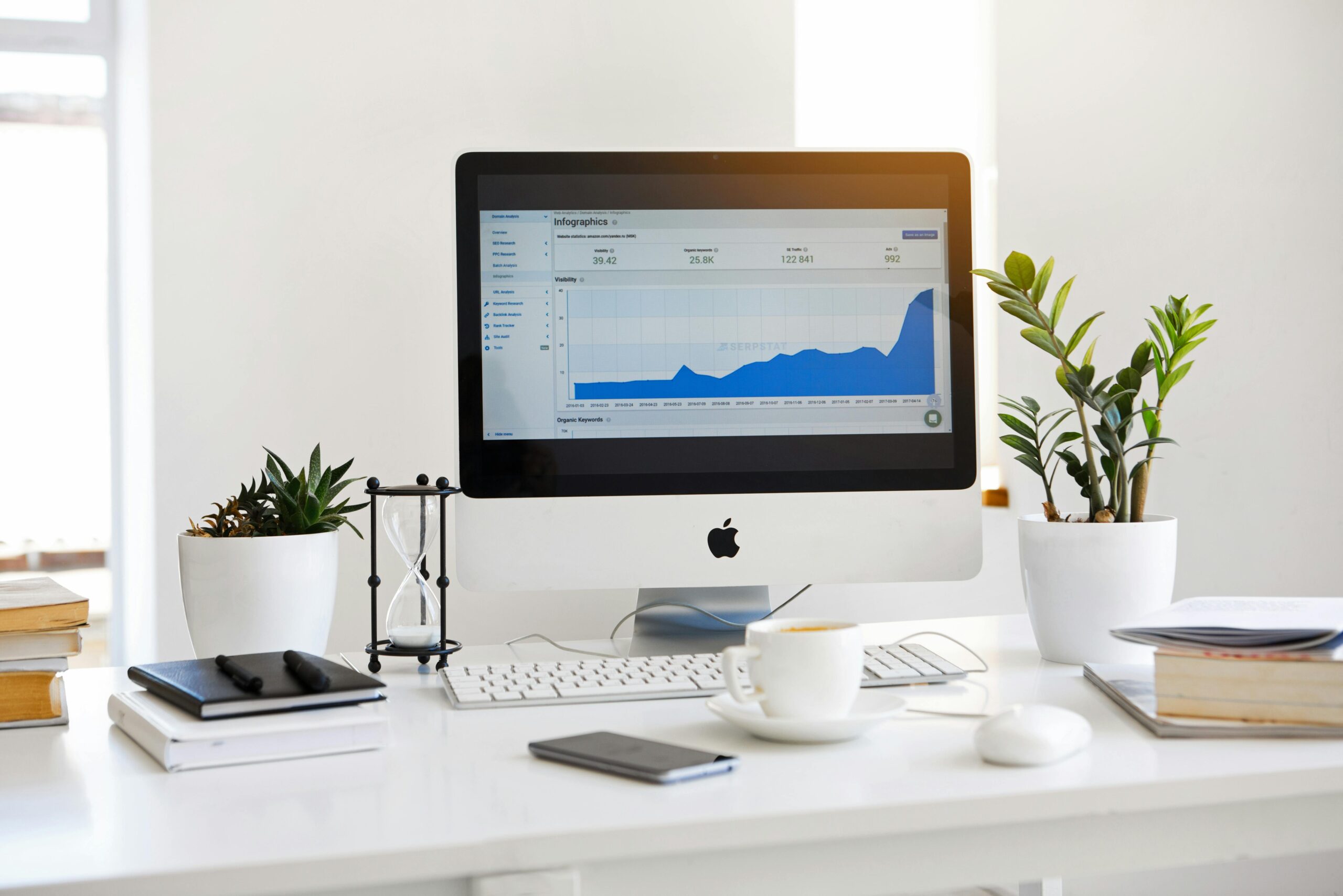
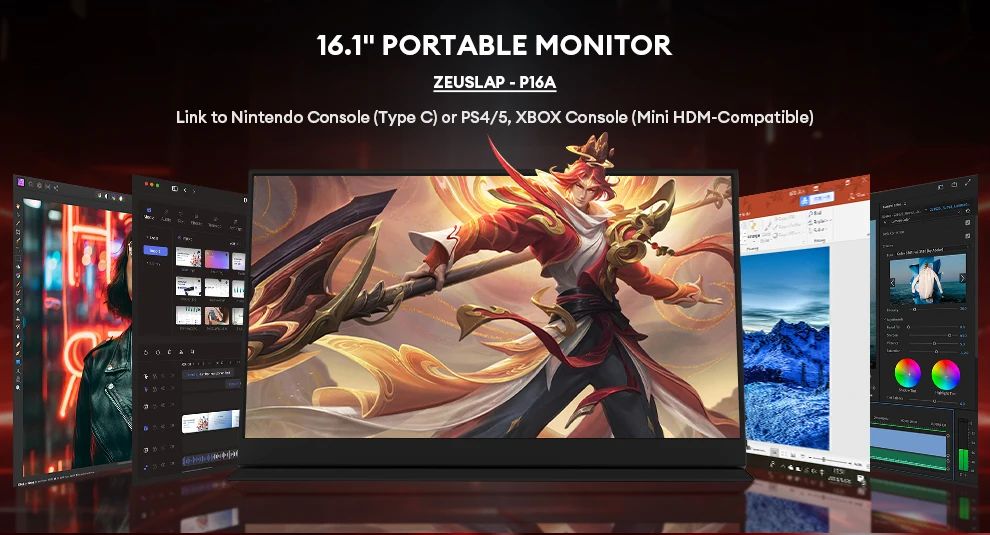
ZEUSLAP P16A portable monitor is a slim 16.1-inch Full HD screen made for people who want an easy second display for work, study, or gaming without carrying a heavy monitor. If you often multitask with documents, browser tabs, calls, and videos, this portable screen helps you stay organized and productive anywhere.
What makes the ZEUSLAP P16A portable monitor interesting is the combination of a smooth 144Hz refresh rate, vivid colors with 100% sRGB, and simple connectivity through dual USB-C plus Mini HDMI. In short, it’s designed for laptop users, console gamers, and anyone who needs a clean “second screen” setup at home or on the go.
Explore more screens and accessories here:
Computers, Laptops & Accessories.
ZEUSLAP P16A portable monitor — Quick summary
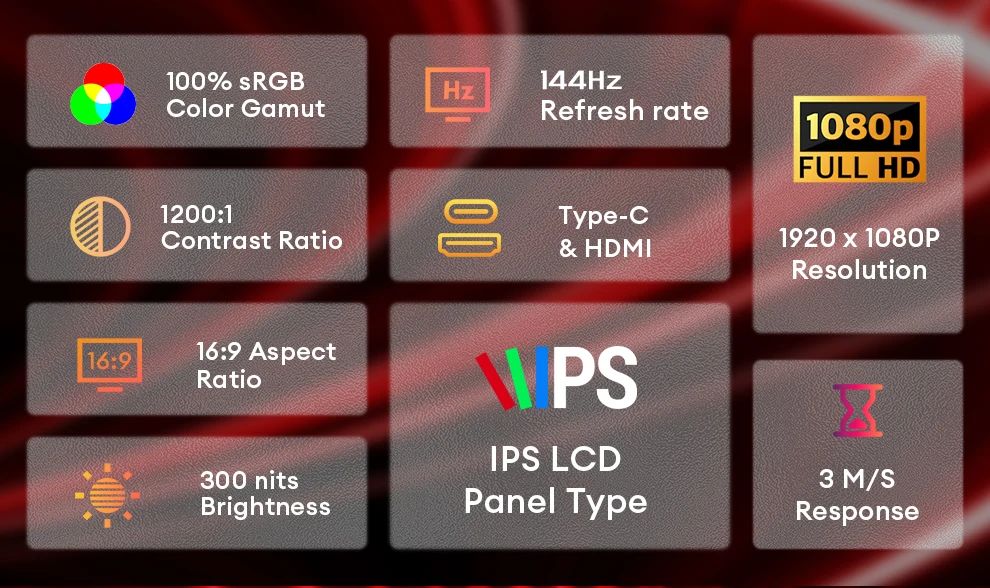
- Size: 16.1-inch IPS
- Resolution: 1920×1080 (FHD) + HDR effect
- Refresh rate: 144Hz (smoother motion)
- Color: 100% sRGB, 300 nits, 1200:1
- Ports: Dual USB-C + Mini HDMI
- Modes: Standard / Game / Video / Text / FPS / RTS
- Eye care: Low blue light mode
- Build: Magnetic case + ultrathin, around 1000g
Affiliate disclosure: This page may contain affiliate links. If you purchase through them, we may earn a small commission at no extra cost to you.
Display quality: FHD + HDR effect + rich colors
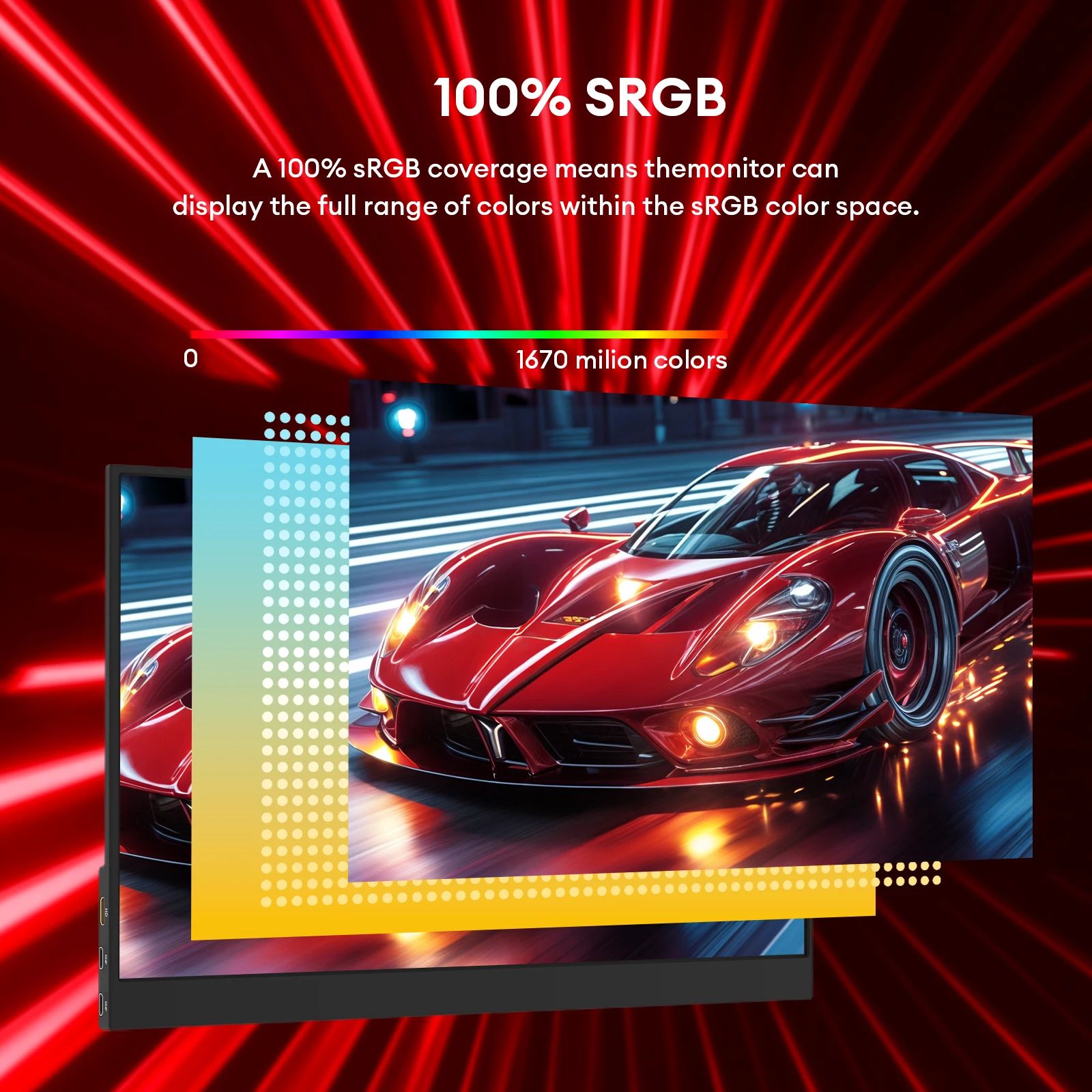
The ZEUSLAP P16A portable monitor uses a 16.1-inch IPS panel in a modern 16:9 format, which is ideal for everyday apps and content. You get 1920×1080 resolution for clear text and sharp UI elements, plus an HDR effect for improved contrast in supported content. With 100% sRGB color coverage and 16.7M colors (8-bit), it’s a solid choice for office tasks, studying, and comfortable media viewing.
144Hz refresh rate: smoother scrolling and gameplay
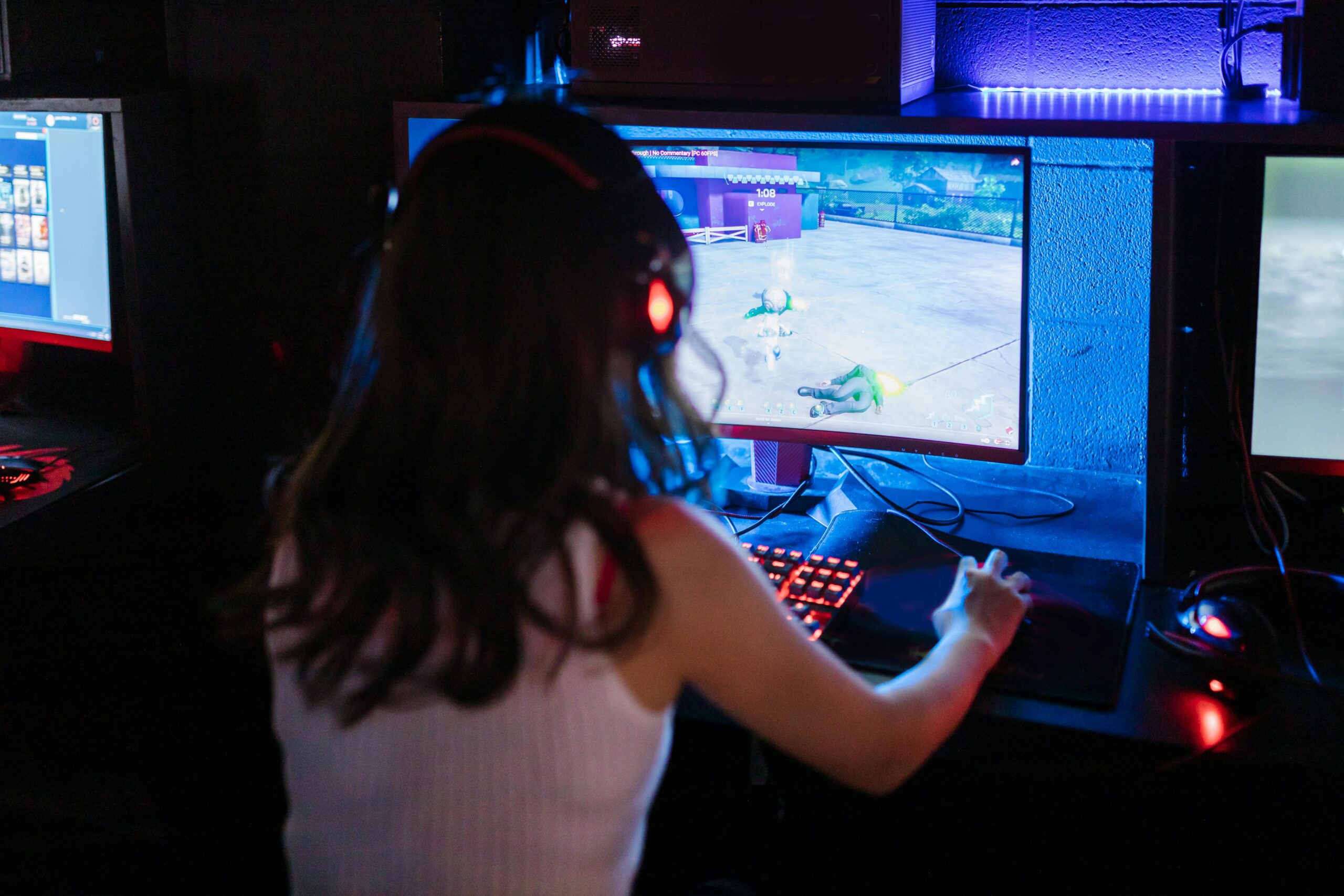
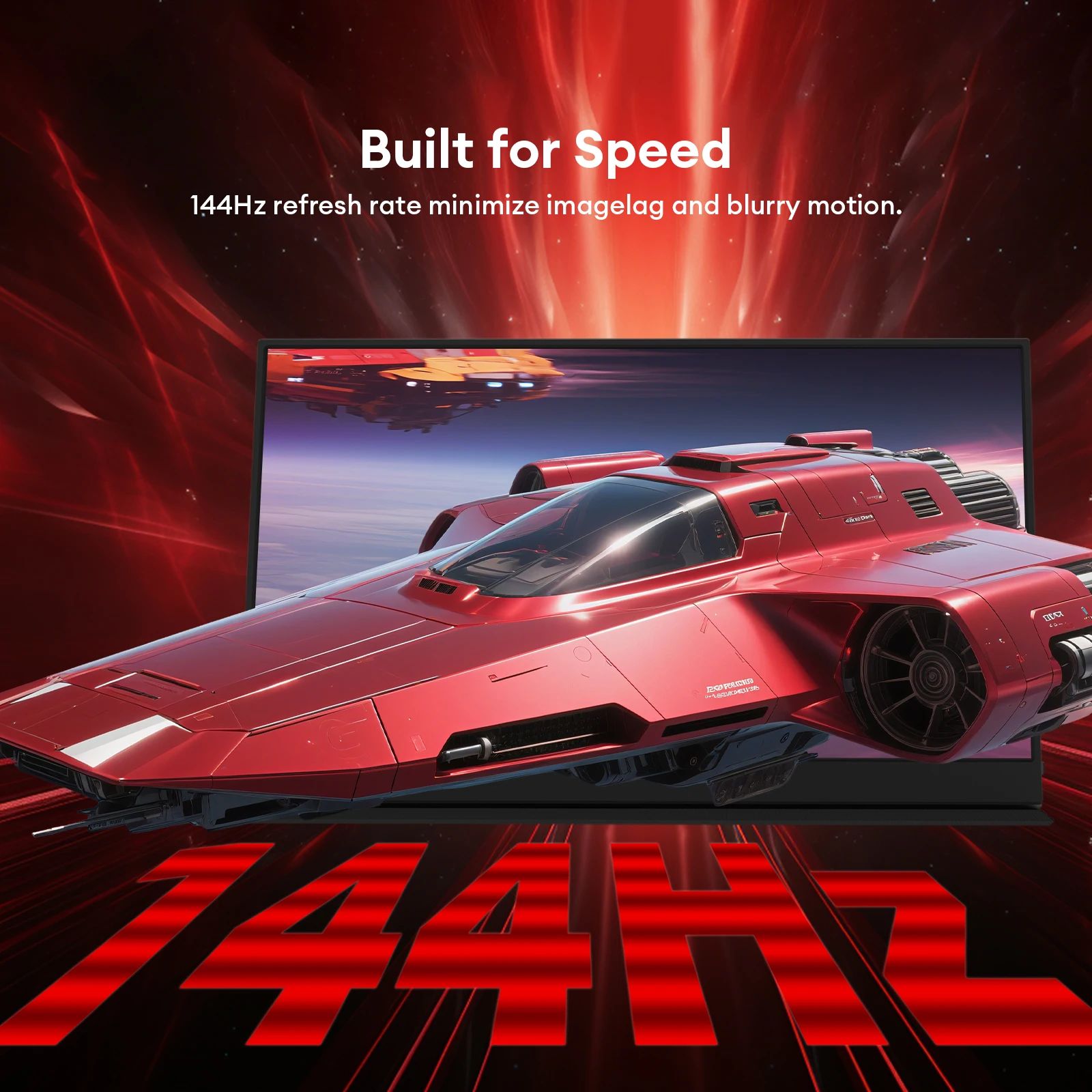
A big reason people choose the ZEUSLAP P16A portable monitor is the 144Hz refresh rate. Compared to standard 60Hz screens, it can feel smoother when scrolling web pages, dragging windows, or playing fast games. If you use this as a second display for dashboards, timelines, or gaming, the higher refresh rate can make motion feel cleaner and more responsive.
Dual USB-C ports: simpler and safer connections
This model includes dual USB-C (DisplayPort Alt Mode) ports. The listing notes that both Type-C ports support power + display mirroring, which is helpful because you don’t need to guess which port is “power only.” That means fewer mistakes and faster setup when you connect a laptop or compatible device.
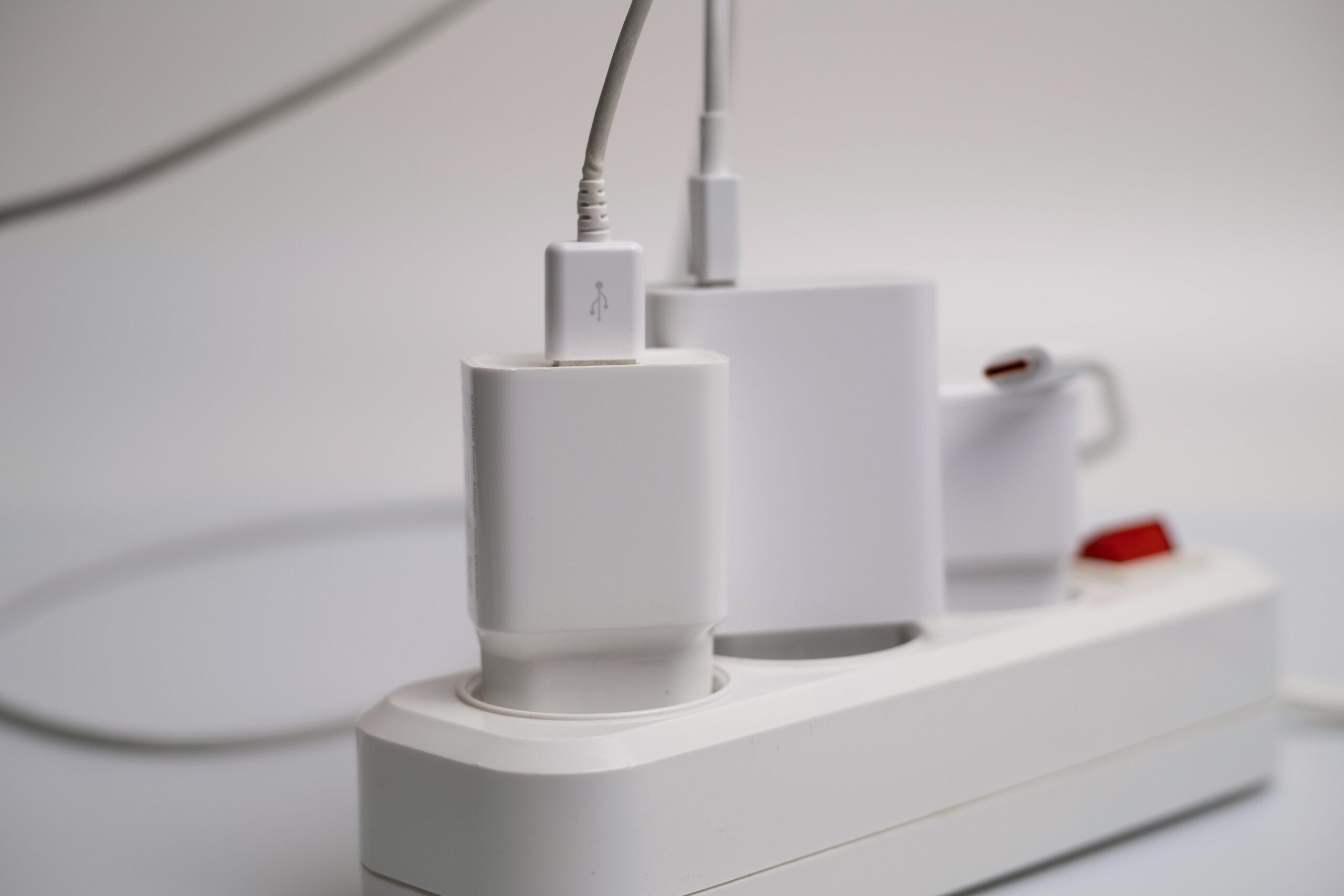
Important note: normally one Type-C to Type-C cable connection works with a phone, but if the screen doesn’t light up, power the monitor using a phone charger. This is a common situation depending on phone power output and video-over-USB-C support.
Six display modes + low blue light eye protection
The ZEUSLAP P16A portable monitor offers six modes (Standard/Game/Video/Text/FPS/RTS). This helps you quickly tune the screen for reading, productivity, or gaming. In addition, the low blue light feature is useful for long sessions, especially if you read documents or study at night.
Magnetic case + ultrathin design for travel
Portability matters with a second screen. The magnetic absorption case helps protect the panel in a backpack, and the ultrathin design stays easy to carry. With around 1000g weight, the ZEUSLAP P16A portable monitor is practical for commuters, students, and remote workers who want a lightweight extra display.
Best use cases (who this is for)
- Home office: documents on one screen, calls/notes on the other
- Students: online classes + PDFs + assignments with more space
- Gaming: smoother 144Hz feel for compatible setups
- Nintendo Switch: portable bigger screen via HDMI
- Travel: clean second display without bulky stands
What’s included in the box
- Monitor ×1
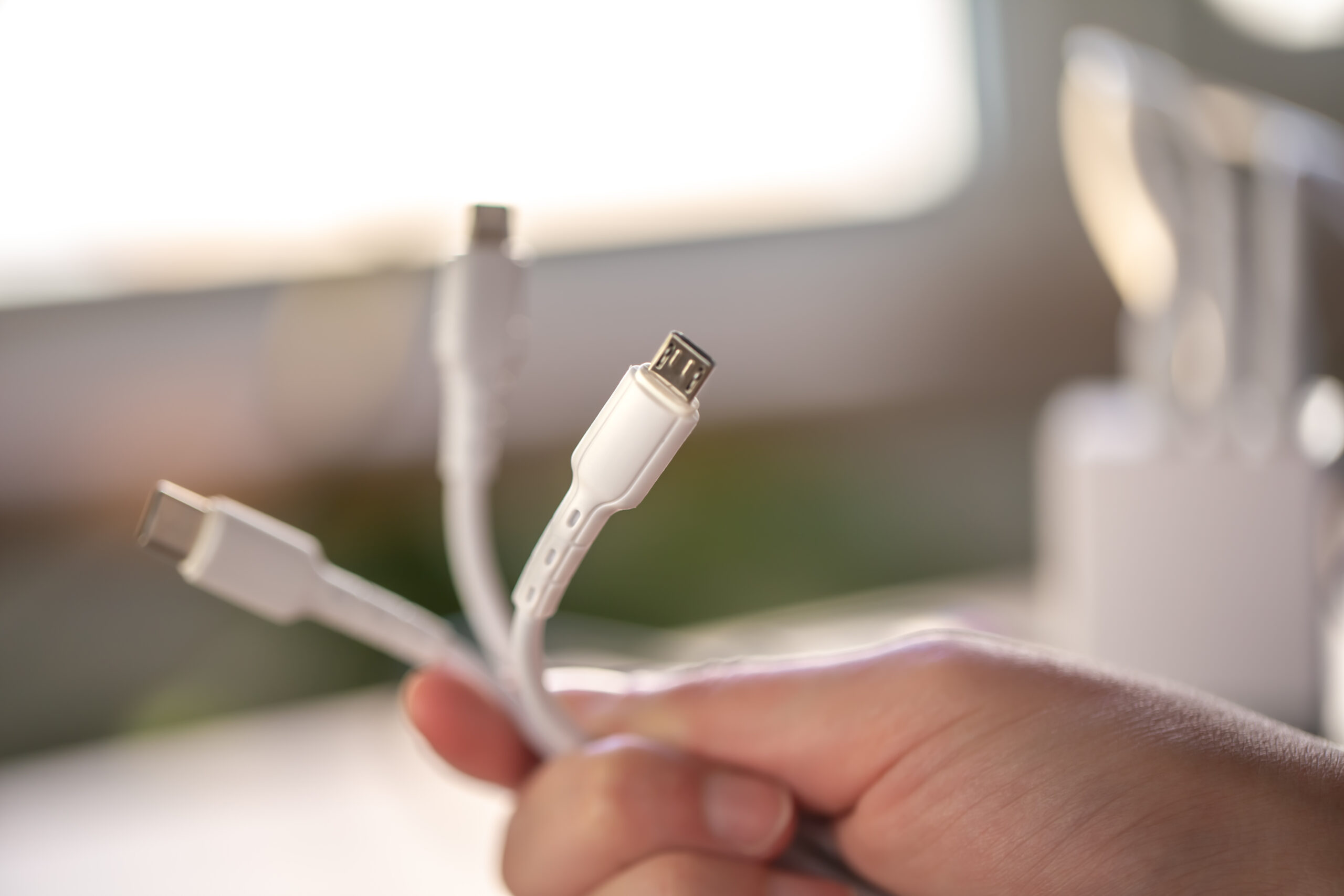
- Type-C to Type-C cable ×1
- USB to Type-C cable ×1
- Mini HDMI to HDMI cable ×1
- Charger ×1
- User manual ×1
Helpful links (internal + trusted external)
Explore more tech accessories:
Computers, Laptops & Accessories.
Want to understand why 144Hz feels smoother?
Intel guide to high refresh rate displays
.
FAQ
Does the ZEUSLAP P16A portable monitor work with one USB-C cable?
Yes, if your laptop/phone supports video over USB-C (DisplayPort Alt Mode). If the screen doesn’t power on, connect a charger to the monitor.
Can I use it with PS5 / Xbox / Nintendo Switch?
Yes. Use Mini HDMI to connect consoles, then select the right input on the monitor.
Is 144Hz always enabled?
It depends on your device and output settings. Set the refresh rate to 144Hz in your system display settings when supported.
Final verdict
If you want a smooth, colorful, travel-friendly second screen, the ZEUSLAP P16A portable monitor is a strong pick. Just confirm your device supports video over USB-C (or use HDMI), then choose the bundle that fits your setup.
Reviews
There are no reviews yet.